Last updated: November 2026 · Category: Productivity
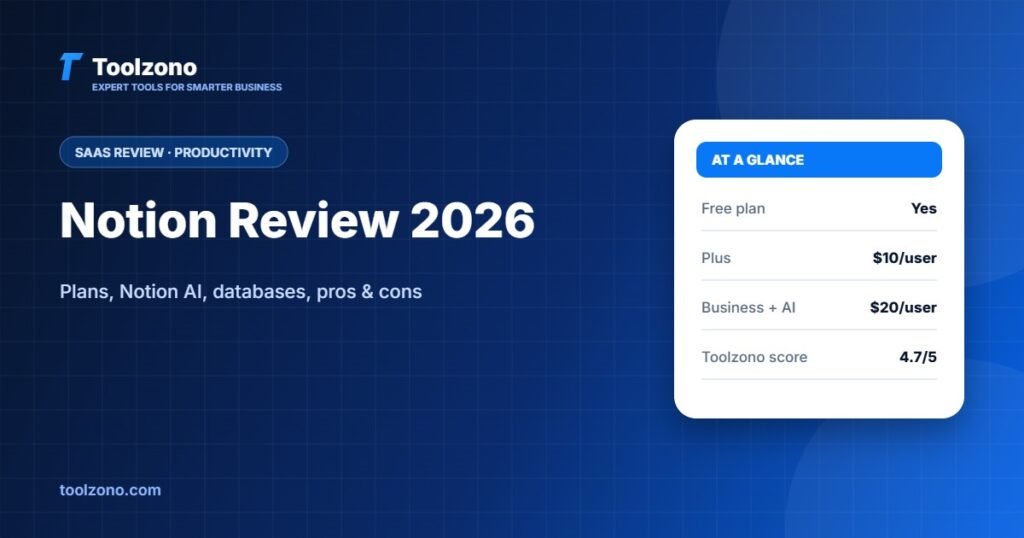
Quick verdict: Notion is the most flexible all-in-one workspace for notes, documents, wikis, simple project tracking and team knowledge. The free plan is excellent for individuals, Plus ($10/member/month billed annually) suits small teams, and Business ($20/member/month billed annually) is now the plan to choose if you want full Notion AI. Toolzono score: 4.7/5.
| Best for | Company wikis, documentation, meeting notes, content calendars, lightweight project management |
|---|---|
| Free plan | Yes, for individuals, with a limited Notion AI trial |
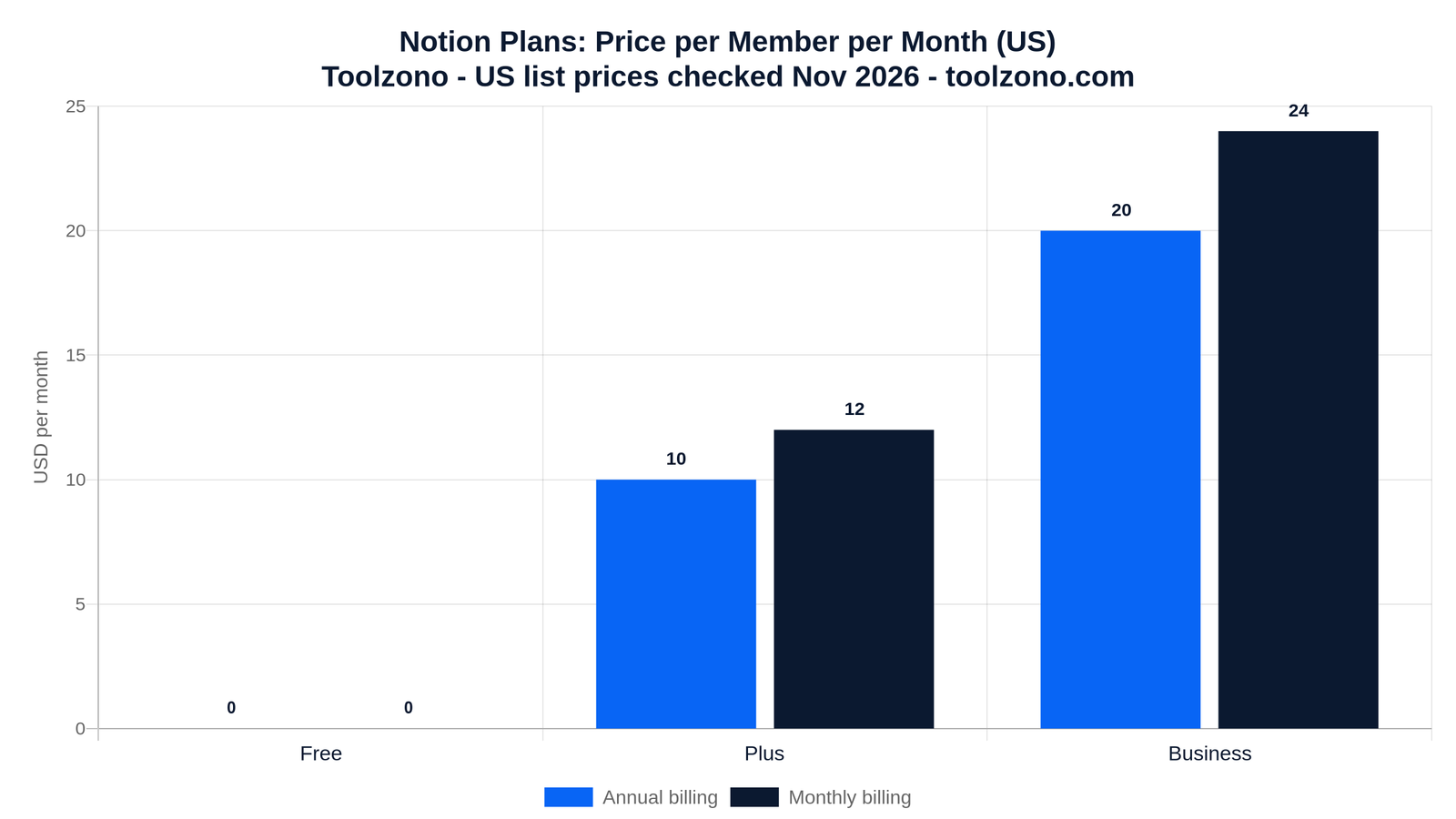
| Paid plans | Plus $10/member/mo annual ($12 monthly) · Business $20/member/mo annual ($24 monthly) · Enterprise custom |
| Platforms | Web, Windows, macOS, iOS, Android |
| Main alternatives | ClickUp, Confluence, Coda, Obsidian |
What Is Notion?
Notion is a connected workspace built from flexible blocks. A page can hold text, checklists, images, embeds and databases, which can be viewed as tables, boards, calendars, timelines or galleries. That flexibility lets teams build almost any internal system: a wiki, a CRM, a content calendar, an applicant tracker or a product roadmap, without code.
Notion AI adds writing help, question answering across your workspace, AI meeting notes, enterprise search across connected apps, and agents that can carry out multi-step work inside Notion.
Notion Pricing in 2026
| Plan | Annual billing | Monthly billing | Highlights |
|---|---|---|---|
| Free | $0 | $0 | Unlimited pages for individuals, limited guests and file uploads, limited AI trial |
| Plus | $10/member/mo | $12/member/mo | Unlimited blocks for teams, larger uploads, more guests, page history; limited AI trial |
| Business | $20/member/mo | $24/member/mo | Full Notion AI (agents, AI meeting notes, enterprise search), SAML SSO, private teamspaces, longer page history |
| Enterprise | Custom | Custom | Advanced security, SCIM, audit logs, zero data retention with AI providers |
The big 2026 change: Notion no longer sells AI as a cheap add-on for Free or Plus. Full Notion AI is bundled into Business and Enterprise, and some agent features consume credits on top of seats. If AI is the main reason you want Notion, budget for Business. Confirm current details on Notion’s pricing page.
Key Features
1. Pages and blocks
Everything in Notion is a block that you can drag, nest and rearrange. It feels like a clean document editor, but each page can grow into a structured system.
2. Databases and views
Databases are Notion’s superpower. Add properties such as status, owner, due date or relations to other databases, then switch between table, board, calendar and timeline views.
3. Templates
Thousands of free and paid templates cover OKRs, CRMs, content calendars, habit trackers and team wikis, so you rarely start from scratch.
4. Notion AI and agents
On Business and Enterprise, Notion AI can draft and edit content, answer questions using your workspace, transcribe and summarize meetings, search connected tools such as Slack and Google Drive, and run agents that update databases and pages.
5. Collaboration
Real-time editing, comments, mentions, page sharing with guests and public publishing of pages make Notion a good home for team knowledge.
Notion Pros and Cons
| Pros | Cons |
|---|---|
|
|
Who Should Use Notion?
- Startups and small teams that want one place for docs, wikis and simple project tracking.
- Content and marketing teams managing editorial calendars and briefs.
- Individuals organizing notes, goals and personal projects for free.
Teams that need advanced task dependencies, workload management, time tracking and detailed reporting may prefer a dedicated project management tool. See Notion vs ClickUp.
Best Notion Alternatives
- ClickUp: more structured project and task management with docs built in.
- Confluence: enterprise wiki that integrates tightly with Jira.
- Coda: doc-meets-spreadsheet with strong automation.
- Obsidian: local-first note-taking for individuals who prefer files they control.
See our guide to the best project management software for more options.
Final Verdict
Notion is the best choice for teams whose main problem is scattered information. Use it free as an individual, move to Plus when your team grows, and choose Business if you want Notion AI and agents working across your company knowledge.
Frequently Asked Questions
Is Notion free?
Yes. Notion’s free plan is designed for individuals and includes unlimited pages with limits on guests, file uploads and AI.
How much does Notion AI cost?
Full Notion AI is included in the Business plan ($20/member/month billed annually) and Enterprise. Free and Plus include only a limited AI trial.
Is Notion good for project management?
For simple projects, yes. Its databases handle tasks, owners and timelines well. Complex projects with dependencies and resource planning are better served by tools like ClickUp.
Is Notion secure enough for business?
Business and Enterprise plans add SAML SSO, permissions, audit logs (Enterprise) and data retention controls. Review Notion’s security documentation against your own requirements.
Notion vs ClickUp: which is better?
Notion is better for docs and knowledge; ClickUp is better for structured task management. Read our Notion vs ClickUp comparison.
Sources
This review is based on official documentation, published pricing and product information. Read how we review software.