Last updated: November 2026
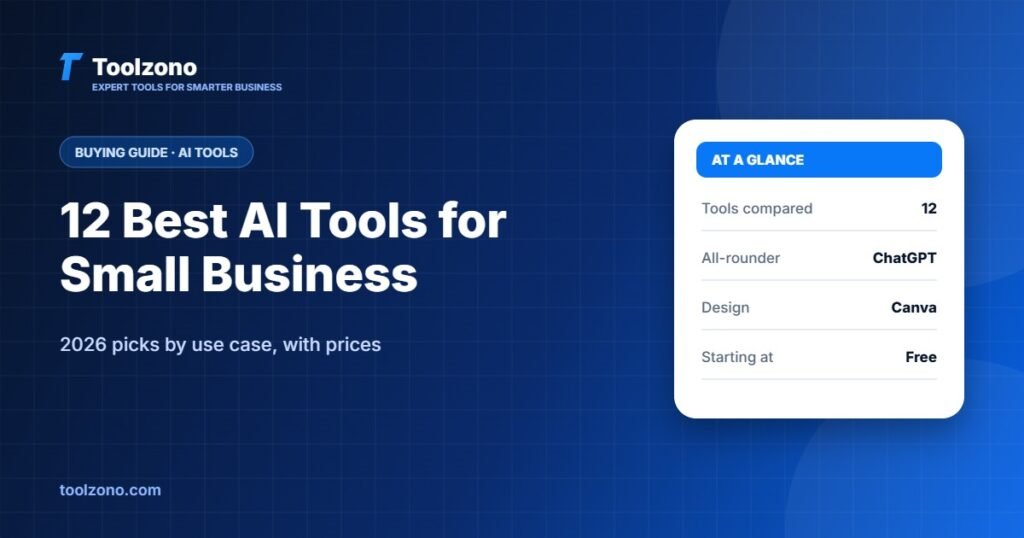
The best AI tools for small business in 2026 are ChatGPT or Claude as your general assistant, Canva for AI-powered design, Notion for AI in your docs and knowledge base, and a few specialist tools for meetings, support, SEO and automation. You do not need a dozen subscriptions. Most small businesses get 80% of the value from one AI assistant plus two or three tools that match their biggest bottlenecks.
Quick Picks
| Use case | Best pick | Starting price |
|---|---|---|
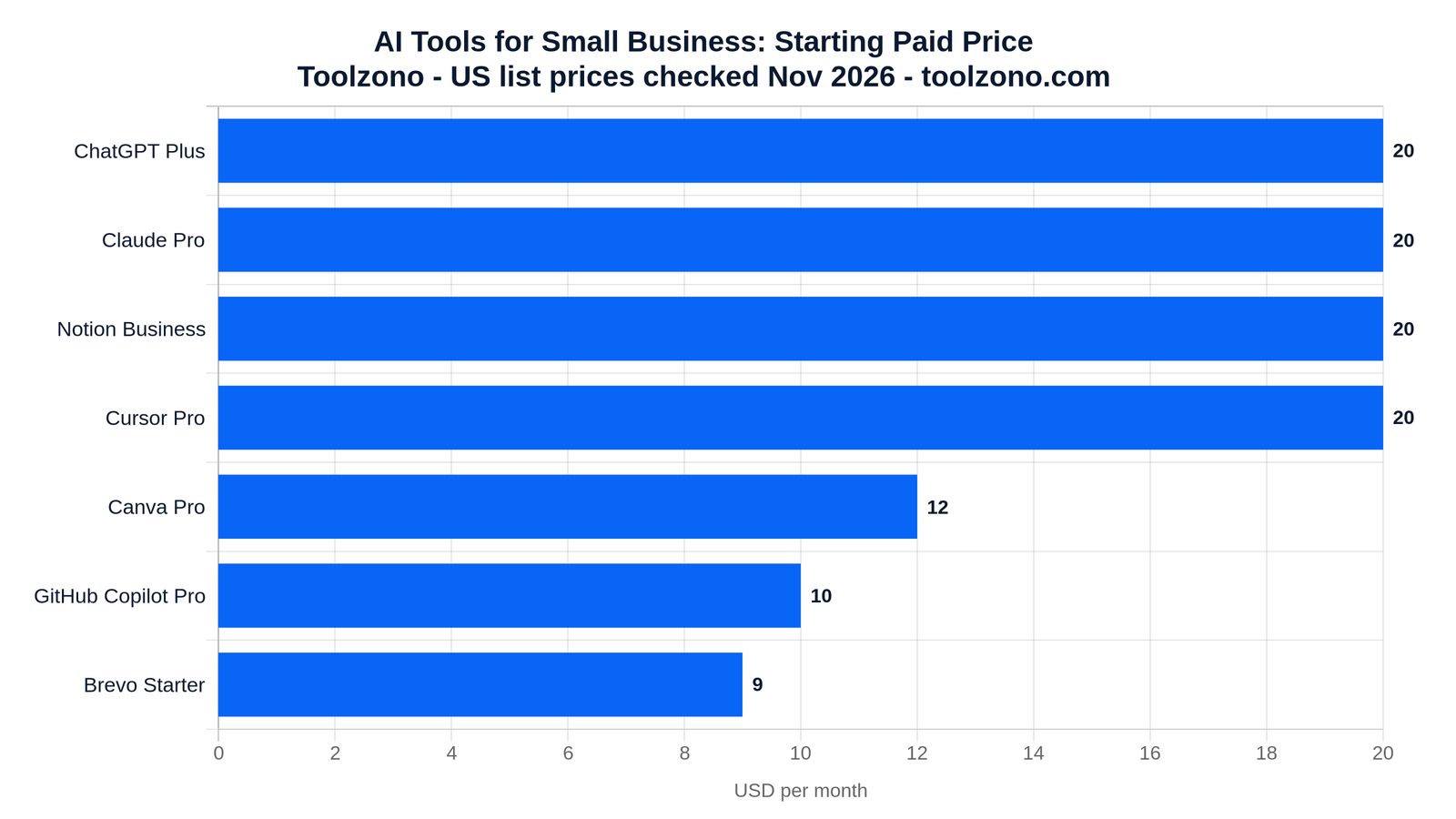
| General AI assistant | ChatGPT | Free; Plus $20/mo |
| Long documents and writing | Claude | Free; Pro $20/mo |
| Google Workspace users | Google Gemini | Included in many Workspace plans |
| Microsoft 365 users | Microsoft Copilot | Free version; paid business add-on |
| Design and social content | Canva | Free; Pro $144/yr |
| Docs, wiki and team knowledge | Notion AI | Business $20/member/mo (annual) |
| Project management | ClickUp Brain | Add-on, about $9/user/mo (annual) |
| SEO and AI search visibility | Semrush | From $139.95/mo |
| Coding | GitHub Copilot or Cursor | Copilot Pro $10/mo; Cursor Pro $20/mo |
| Email marketing | Brevo | Free; paid from about $9/mo |
| CRM with AI | HubSpot | Free CRM; paid seats extra |
| Automation | Zapier | Free plan; paid plans available |
Prices are US list prices checked in November 2026 and change often. Always confirm on the vendor’s site.
1. ChatGPT: Best All-Round AI Assistant
ChatGPT handles writing, research, spreadsheet analysis, image generation, brainstorming and coding in one place. For most owners, ChatGPT Plus at $20/month is the single highest-return AI subscription. Teams should use ChatGPT Business for admin controls and default data protections. Read our full ChatGPT review.
2. Claude: Best for Writing and Long Documents
Claude is a favorite for long-form writing, contract and report analysis, and coding with Claude Code. Its Pro plan also costs $20/month. If you work with long documents or care about polished writing, test it against ChatGPT. See ChatGPT vs Claude.
3. Google Gemini: Best for Google Workspace Businesses
If your team lives in Gmail, Docs, Sheets and Meet, Gemini brings AI directly into those apps for drafting emails, summarizing threads and analyzing sheets. Check your Workspace plan, since AI features are bundled into many business tiers.
4. Microsoft Copilot: Best for Microsoft 365 Businesses
For businesses on Outlook, Word, Excel and Teams, Microsoft Copilot summarizes meetings, drafts documents and analyzes spreadsheets using your work data. The business version is a paid add-on, so compare it with a standalone assistant before buying seats for everyone.
5. Canva: Best AI Design Tool
Canva’s Magic Studio generates images, removes backgrounds, resizes designs for every social channel and writes copy. It is the fastest way for a non-designer to produce professional marketing content. Read our Canva review.
6. Notion AI: Best AI for Company Knowledge
Notion AI answers questions across your workspace, records and summarizes meetings, and runs agents that update pages and databases. In 2026 full Notion AI is included in the Business plan. Read our Notion review.
7. ClickUp Brain: Best AI for Project Management
ClickUp Brain writes task descriptions, summarizes project status, generates subtasks and answers questions about work in progress. It is an add-on charged per paid seat, so factor it into your budget. Compare in Notion vs ClickUp.
8. Semrush: Best AI-Powered SEO Platform
Semrush combines keyword research, site audits and rank tracking with AI writing helpers and AI search visibility tracking, so you can see how your brand appears in ChatGPT and Google AI answers. Read our Semrush review and the best SEO tools.
9. GitHub Copilot and Cursor: Best AI Coding Tools
If you build software or maintain a website, AI coding tools can dramatically speed up development. GitHub Copilot is the cheapest serious option, while Cursor is an AI-first editor popular for larger code changes. See our guide to the best AI coding tools.
10. Brevo: Best AI-Assisted Email Marketing on a Budget
Brevo combines email, SMS, WhatsApp and a basic CRM with AI help for subject lines and content. Its free plan sends up to 300 emails per day. More options in our best email marketing software guide.
11. HubSpot: Best CRM With Built-In AI
HubSpot’s free CRM is a strong starting point, and its Breeze AI features help write emails, summarize records and prioritize leads on paid plans. See the best CRM for small business.
12. Zapier: Best for AI Automation
Zapier connects thousands of apps and lets you add AI steps to workflows, for example summarizing every new form submission and posting it to Slack, or drafting replies to support emails for review.
How to Choose AI Tools for Your Business
- Start with one problem. Pick the task that wastes the most time each week: writing, admin, customer replies or reporting.
- Use your existing ecosystem first. If you pay for Google Workspace or Microsoft 365, test their built-in AI before adding another subscription.
- Protect your data. Use business plans with admin controls for company and customer data, and write a simple AI usage policy.
- Measure time saved. Track hours saved per week for a month. Keep tools that pay for themselves; cancel the rest.
- Keep a human in the loop. AI drafts; people check facts, tone and anything customer-facing.
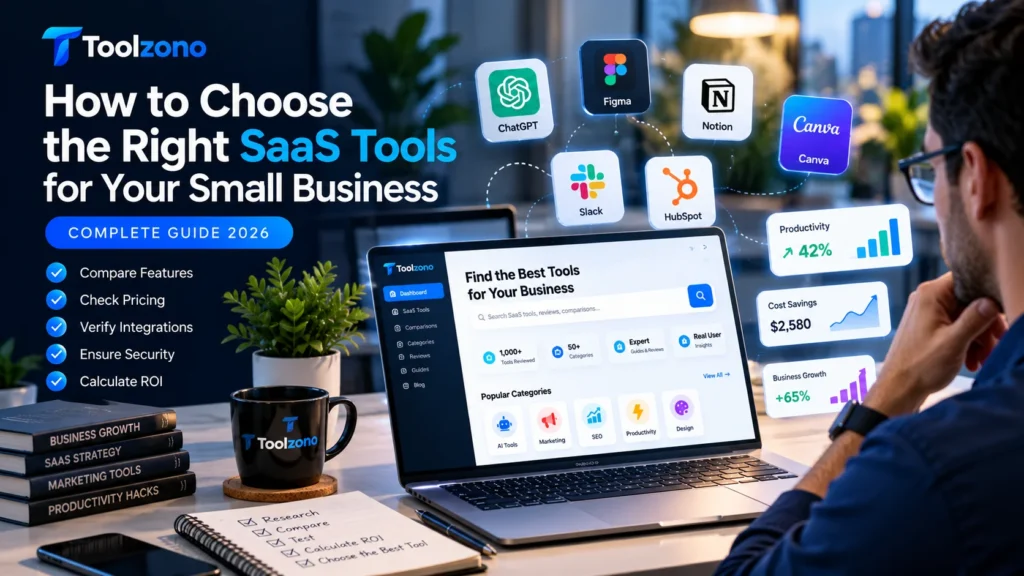
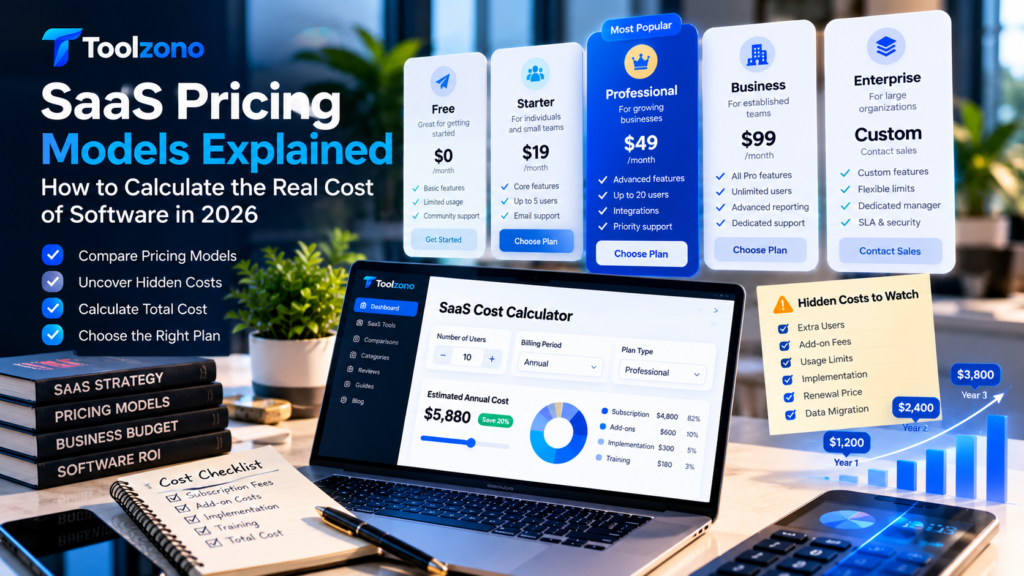
For a complete framework, read how to choose the right SaaS tools for your small business and how to calculate the real cost of software.
Frequently Asked Questions
What is the best free AI tool for small business?
ChatGPT’s free plan is the most versatile starting point. Claude, Gemini and Copilot also offer free versions, and Canva’s free plan includes limited AI design tools.
How much should a small business spend on AI tools?
Many small businesses start with one $20/month assistant per heavy user, then add specialist tools only when a clear return appears. Review subscriptions every quarter.
Are AI tools safe for customer data?
Use business or enterprise plans that exclude your data from model training by default, restrict access with admin controls, and avoid pasting sensitive personal or financial data unless your policy allows it.
Will AI tools replace employees?
For most small businesses, AI tools remove repetitive work rather than whole roles. The biggest gains come when staff use the time saved for sales, service and higher-value work.
Pingback: 7 Best CRM for Small Business in 2026: Free & Paid - Toolzono