Last updated: November 2026
To build a SaaS stack, start with a few core tools (email and documents, communication, accounting and CRM), add specialist tools only when a real workflow needs them, connect everything with integrations or automation, and review costs every quarter. A lean stack for a 10-person business typically costs about $150–$300 per user per year for the essentials.
Key takeaways
- Buy for workflows, not features: map what your team does before choosing tools.
- Prefer tools that integrate natively with your core suite (Google Workspace or Microsoft 365).
- Start on monthly billing, then switch to annual once a tool proves itself.
- Assign an owner for every tool and track renewal dates in one place.
The Core Layers of a Small Business SaaS Stack
| Layer | What it does | Our guides |
|---|---|---|
| Productivity suite | Email, docs, storage, calendar | Cloud storage |
| Communication | Chat and video meetings | Slack vs Teams vs Chat, Zoom vs Google Meet |
| Work management | Projects, tasks, knowledge | Project management, Knowledge base |
| Sales and marketing | CRM, email, website, forms | CRM, Email marketing, Website builders |
| Finance and people | Accounting, payroll, HR | Accounting, HR software |
| Security | Passwords and access | Password managers |
| Automation | Connect apps, remove manual work | Zapier vs Make vs n8n |
Step 1: Map Your Workflows
List the work your team repeats each week: winning customers, delivering projects, invoicing, hiring and support. For each one, note who does it, which data it needs and where it breaks today. This tells you which tools are essential and which are nice to have.
Step 2: Choose Your Core Suite
Pick Google Workspace or Microsoft 365 first, because email, calendar, documents and identity sit underneath everything else. Most other tools offer single sign-on and integrations with both.
Step 3: Add Specialist Tools One at a Time
Add a CRM, accounting software and project management next, then marketing, HR and support tools as you grow. Use free plans and trials to test with real work before paying. Read our guide on how to choose SaaS tools.
Step 4: Connect Everything
Use native integrations first, then automation platforms for the gaps, such as sending new form leads to your CRM and email list. Good integrations prevent duplicate data entry and errors.
Step 5: Budget and Track Costs
Example budget for a 10-person team (approximate, annual billing):
| Tool | Approx. monthly cost |
|---|---|
| Productivity suite (10 users) | $70–$140 |
| Project management | $70–$120 |
| CRM (3 sales users) | $45–$150 |
| Accounting | $40–$90 |
| Email marketing | $15–$60 |
| Password manager | $40–$80 |
| Total | about $280–$640 |
Illustrative ranges from our buying guides, November 2026. Your costs depend on plans and seats.
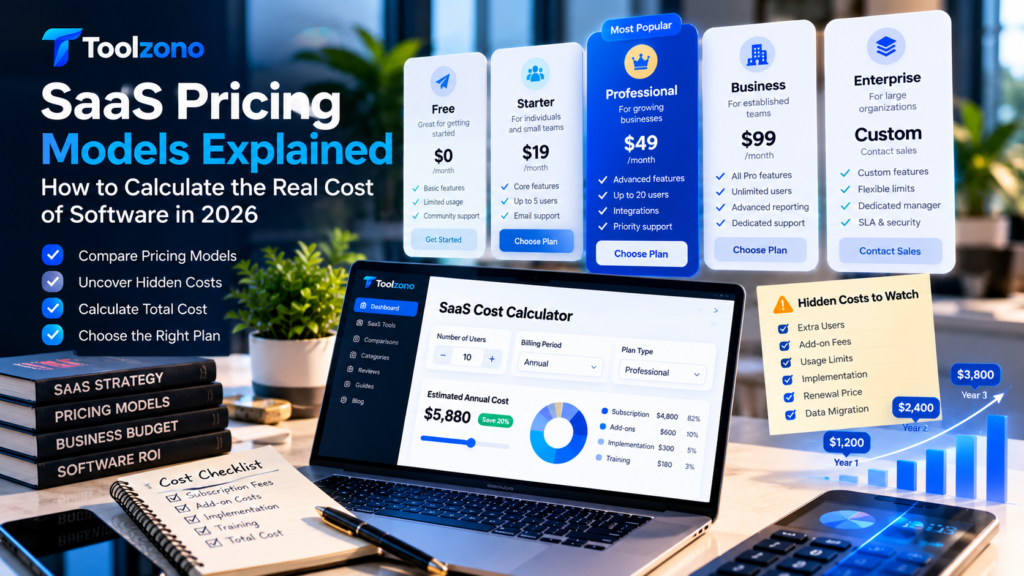
Estimate your own stack with the SaaS cost calculator, track renewals in the subscription tracker, and check whether yearly plans pay off with the annual vs monthly billing calculator.
Step 6: Review Every Quarter
Remove unused seats, merge overlapping tools and renegotiate before renewals. Our guide on how to cut SaaS costs walks through a full audit, and the software ROI calculator shows which tools earn their keep.
Common Mistakes to Avoid
- Buying a tool for one feature that an existing tool already has.
- Committing to annual plans before the team adopts the tool.
- Letting tools pile up without owners or offboarding steps.
- Ignoring security: always use SSO, two-factor authentication and a password manager.
Frequently Asked Questions
What is a SaaS stack?
A SaaS stack is the set of cloud software tools a business uses to run its operations, such as email, chat, CRM, accounting and project management.
How many SaaS tools does a small business need?
Many small teams run well on 8 to 15 core tools. More than that usually means overlap worth reviewing.
Should I choose all-in-one software or best-of-breed tools?
All-in-one suites are simpler and often cheaper; best-of-breed tools are deeper. Many businesses combine a core suite with a few specialist tools.