Last updated: November 2026
For most small businesses, the best cloud storage is the one bundled with the productivity suite you already use: Google Drive if your team runs on Gmail and Google Docs, or OneDrive if you live in Word, Excel and Outlook. Dropbox is the best standalone option for cross-platform file sync, Box is best for compliance-heavy teams, and Sync.com or Tresorit are best when end-to-end encryption is a must.
Key takeaways
- Check what you already pay for: Google Workspace and Microsoft 365 both include business cloud storage, so a separate subscription is often redundant.
- All major providers charge per user, so costs compound as your team grows. Watch for minimum seat counts (Dropbox and Box start at 3 users).
- Need privacy-first storage for sensitive client files? Choose a zero-knowledge provider such as Sync.com, Tresorit or Proton Drive.
- Cloud sync is not a backup. Turn on version history and consider a separate backup for critical data.
Business Cloud Storage Compared
| Provider | Best for | Storage per user | Price (approx., per user/mo, annual) |
|---|---|---|---|
| Google Drive (Workspace) | Google Workspace teams; real-time collaboration | 30 GB (Starter), 2 TB (Standard), 5 TB (Plus), pooled | About $7 Starter, $14 Standard, $22 Plus |
| Microsoft OneDrive | Microsoft 365 teams; Office co-authoring | 1 TB+ | About $5 (OneDrive Plan 1); $6 with M365 Business Basic |
| Dropbox Business | Best standalone sync, mixed Mac/Windows teams | Large pooled team storage | From about $15 (3-user minimum) |
| Box | Compliance, governance, enterprise sharing | Large/unlimited on business tiers | About $20 Business, $33 Business Plus (3-user minimum) |
| Egnyte | Hybrid cloud + on-premises, regulated industries | Varies by plan | About $22 (Business) |
| Sync.com Teams | Zero-knowledge encryption on a budget | 1 TB+ | About $6 |
| pCloud Business | Value, built-in encryption option | 1 TB+ | About $8 |
| Tresorit | End-to-end encryption for regulated industries | 1 TB | About $14.50 |
Pricing checked November 2026 from vendor pages and independent comparisons. Prices vary by region, billing term and promotions, so confirm on each vendor’s pricing page before buying.
1. Google Drive (Google Workspace): Best for Collaboration
If your team uses Gmail, Docs, Sheets and Meet, Google Drive is already your cloud storage. It offers the best real-time co-editing, powerful search, shared drives for team folders and Gemini AI features on eligible plans. Business Starter includes 30 GB per user; Business Standard jumps to 2 TB, which is the sweet spot for most small teams.
Pros: excellent collaboration, bundled with email and video, simple admin.
Cons: some sharing controls and audit features require higher tiers; weaker for heavy desktop files.
2. Microsoft OneDrive: Best for Microsoft 365 Teams
OneDrive gives each employee 1 TB or more of personal storage and integrates deeply with Word, Excel, PowerPoint, Teams and SharePoint for shared team libraries. Microsoft 365 Business Basic adds email and Teams for only slightly more than standalone OneDrive.
Pros: strong value, native Office co-authoring, Windows integration, Personal Vault.
Cons: OneDrive versus SharePoint can confuse new admins; Mac experience is less polished.
3. Dropbox Business: Best Standalone Option
Dropbox is still known for the most reliable sync engine, smart sync that saves disk space, easy external sharing, version history and hundreds of integrations. It works equally well on Windows, Mac, Linux and mobile, which suits creative teams and agencies.
Pros: best-in-class sync, simple sharing, great for large files.
Cons: costs more than bundled options; three-user minimum on team plans.
4. Box: Best for Compliance and Governance
Box focuses on secure content management: granular permissions, retention policies, audit trails, e-signatures and Box AI for summarizing documents. It is popular in legal, healthcare, finance and enterprise environments.
5. Egnyte: Best Hybrid Cloud
Egnyte combines cloud file sharing with on-premises caching, data governance and ransomware detection, making it strong for architecture, construction, life sciences and other firms with large files or strict compliance rules.
6. Sync.com: Best Budget Zero-Knowledge Storage
Sync.com encrypts files so that even the provider cannot read them, at a price comparable to mainstream services. It is a strong choice for accountants, consultants and agencies handling confidential client documents.
7. pCloud Business: Best Value with Encryption
pCloud offers affordable business plans with optional client-side encryption, file versioning and a virtual drive that streams files without using local disk space.
8. Tresorit: Best End-to-End Encryption
Swiss-based Tresorit provides end-to-end encrypted storage and sharing with strong compliance features, ideal for regulated industries that need maximum confidentiality.
How to Choose Business Cloud Storage
- Start with your productivity suite. Google Workspace means Drive; Microsoft 365 means OneDrive and SharePoint.
- Estimate storage per user for the next two years, including video and design files.
- Check security needs: two-factor authentication, admin controls, audit logs, data residency and whether you need zero-knowledge encryption.
- Test sharing with clients: password-protected links, expiry dates and download limits.
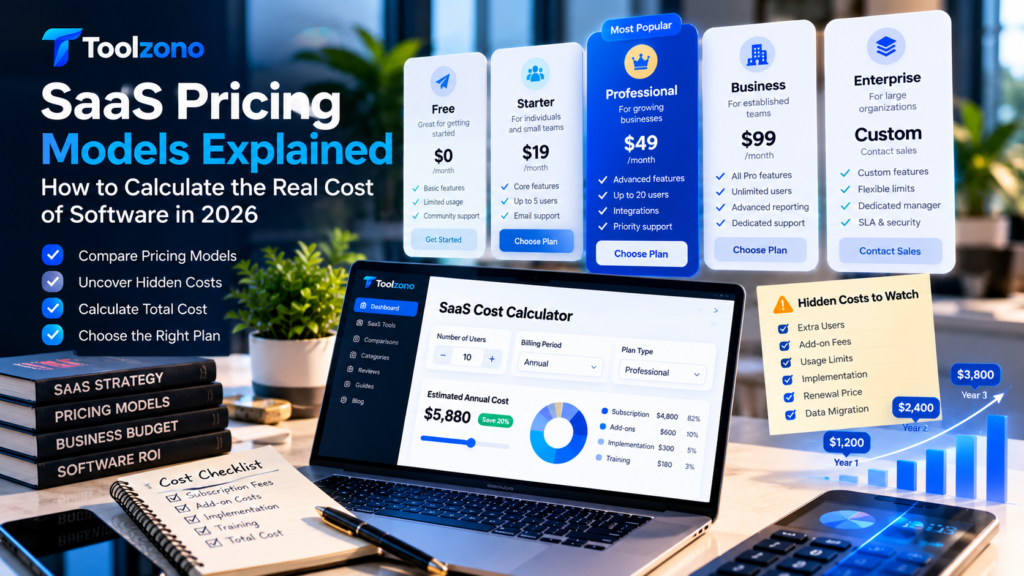
- Calculate the total cost at your current and future headcount with our SaaS cost calculator, and track all subscriptions with the SaaS subscription tracker.
Protect access to your storage with strong, unique passwords. See the best password managers for business or create one now with our free password generator. For collaboration tools that work alongside your files, read our guides to the best project management software and best video conferencing software.
Frequently Asked Questions
What is the cheapest cloud storage for a small business?
Microsoft OneDrive Plan 1 and Sync.com Teams are among the cheapest per user. If you already pay for Google Workspace or Microsoft 365, the storage included there is effectively free.
Is Google Drive or Dropbox better for business?
Google Drive is better for teams that collaborate in Google Docs and Sheets. Dropbox is better for file-heavy, cross-platform teams that need the most reliable sync and easy external sharing.
Which cloud storage is most secure?
Zero-knowledge providers such as Tresorit, Sync.com and Proton Drive offer the strongest privacy because the provider cannot read your files. Box and Egnyte lead on governance and compliance controls.
Do I still need backups if I use cloud storage?
Yes. Sync services copy deletions and ransomware-encrypted files too. Use version history and keep a separate backup of business-critical data.