Last updated: November 2026
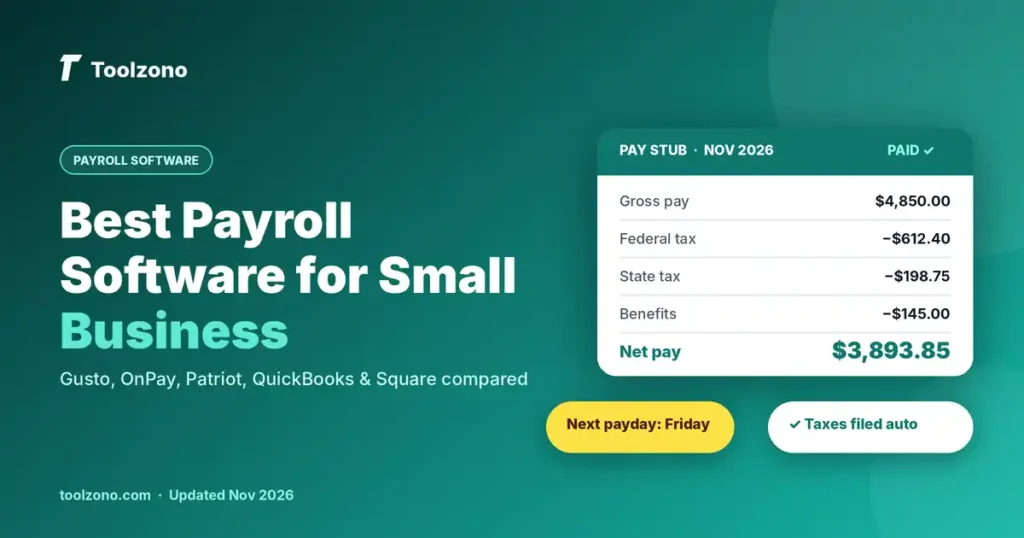
Gusto is the best payroll software for most small businesses, OnPay is the best value because multi-state payroll is included in its single plan, Patriot is the cheapest full-service option, QuickBooks Payroll is best if your books are already in QuickBooks, and Square Payroll is best for restaurants and retail shops using Square. ADP RUN, Paychex Flex and Rippling suit growing companies that want more HR depth, but they price by quote.
Key takeaways
- Most small business payroll costs a monthly base fee plus a fee per person paid, typically around $35–$80 plus $5–$12 per person.
- Choose full-service payroll so the provider calculates, files and pays your federal, state and local payroll taxes.
- Check multi-state support. Some providers charge extra for each additional state.
- Price your payroll at today’s headcount and at your expected headcount in 12 months.
Best Payroll Software Compared
| Software | Best for | Starting price (approx.) | Multi-state |
|---|---|---|---|
| Gusto | Most small businesses; payroll + HR + benefits | About $49/mo + $6 per person (Simple); Plus about $80 + $12 | Plus plan and above |
| OnPay | Best value; one all-inclusive plan | About $49/mo + $6 per person | Included |
| Patriot Payroll | Lowest-cost full-service payroll | Full Service from about $37/mo + $5 per person | Included |
| QuickBooks Payroll (Workforce) | Businesses using QuickBooks Online | About $50/mo + $7 per employee | Extra fee per added state on lower tiers |
| Square Payroll | Restaurants and retail using Square POS | About $35/mo + $6 per person | Yes |
| RUN Powered by ADP | Compliance support as you scale | Quote-based | Yes |
| Paychex Flex | A dedicated payroll specialist | Packages published from about $65/mo + per-person fee; others quoted | Yes |
| Rippling | Fast-growing teams; payroll + HR + IT | From about $8 per employee + base fee (quote) | Yes, plus global options |
Pricing checked November 2026 from vendor pricing pages and independent comparisons. Payroll prices change often, and QuickBooks rebranded its payroll as QuickBooks Workforce in 2026 with new per-employee fees. Always confirm the current price before signing up.
What 10 Employees Costs Per Month
Because payroll pricing combines a base fee and a per-person fee, headcount changes the ranking. Using approximate published list prices for a 10-person team:
- Patriot Full Service: about $37 + (10 × $5) = about $87
- Square Payroll: about $35 + (10 × $6) = about $95
- Gusto Simple / OnPay: about $49 + (10 × $6) = about $109
- QuickBooks Payroll entry tier: about $50 + (10 × $7) = about $120
Run your own numbers, including annual-billing discounts and add-ons, with our free SaaS cost calculator.
1. Gusto: Best Overall Payroll Software
Gusto combines easy full-service payroll with onboarding, benefits, time tracking and HR tools in a clean interface that employees like. It automatically files and pays payroll taxes, handles W-2s and 1099s, and offers a contractor-only plan.
Pros: very easy to use, strong employee self-service, transparent pricing.
Cons: multi-state payroll and time tracking need the Plus plan; costs rise with headcount.
Best for: small businesses under about 100 people that want payroll and HR in one place.
2. OnPay: Best Value
OnPay keeps it simple with one plan that includes full-service payroll, multi-state filing, HR tools and integrations with QuickBooks and Xero. Reviewers consistently praise its customer support.
Pros: all features in one price, multi-state included, nonprofit and agriculture friendly.
Cons: fewer advanced HR features than Rippling.
3. Patriot Payroll: Cheapest Full-Service Option
Patriot offers basic payroll (you file taxes) and a Full Service plan (Patriot files for you) at some of the lowest published prices, plus optional accounting and HR add-ons. The interface is plainer, but it covers the essentials well.
4. QuickBooks Payroll: Best for QuickBooks Users
Now sold as QuickBooks Workforce, it runs payroll directly inside QuickBooks Online, so wages and taxes post straight to your books. Higher tiers add same-day direct deposit, time tracking and HR support. Watch for per-state fees on lower tiers. See our best accounting software guide.
5. Square Payroll: Best for Restaurants and Retail
Square Payroll imports hours and tips from Square POS timecards, which makes it a natural choice for cafes, restaurants and shops with hourly staff.
6. RUN Powered by ADP: Best for Compliance as You Grow
ADP brings decades of payroll tax expertise, strong compliance tools and a path to larger HR packages. Pricing is quote-based and contracts can include setup fees.
7. Paychex Flex: Best for a Dedicated Payroll Specialist
Paychex Flex assigns a payroll specialist and offers payroll, HR, benefits and a PEO option, useful if you prefer a person to call over a help center.
8. Rippling: Best for Fast-Growing Teams
Rippling ties payroll to HR, devices, app access and global payroll, automating onboarding and offboarding across systems. It is powerful but more than most very small teams need.
How to Choose Payroll Software
- Confirm full-service tax filing for every state and locality where you have employees.
- Count workers by type: employees, contractors and international staff.
- Check direct deposit speed (next-day or same-day) and off-cycle payroll options.
- Look at integrations with your accounting, time tracking and POS systems.
- Compare total cost at your current and future headcount, including add-ons for benefits, HR or extra states.
Use our guide to choosing SaaS tools for a full evaluation checklist, and test whether a new tool pays for itself with the software ROI calculator.
Frequently Asked Questions
What is the easiest payroll software for small business?
Gusto is widely considered the easiest to use, with OnPay close behind. Both offer guided setup and automatic tax filing.
What is the cheapest payroll software?
Patriot Payroll is usually the cheapest full-service option by list price. Square Payroll is also low-cost, especially for Square users.
Does payroll software file taxes automatically?
Full-service plans calculate, file and pay federal, state and many local payroll taxes for you. Basic or “self-service” plans may leave filing to you, so check before you buy.
Can I run payroll myself without software?
It is possible but risky. Payroll tax rules, deadlines and penalties are complex, and software typically costs far less than fixing a payroll tax mistake.